To link Teams & Freshdesk it’s a two-step process:
Step 1: Open Microsoft Teams and click the ellipsis at the bottom of the left menu, and search for Freshdesk.
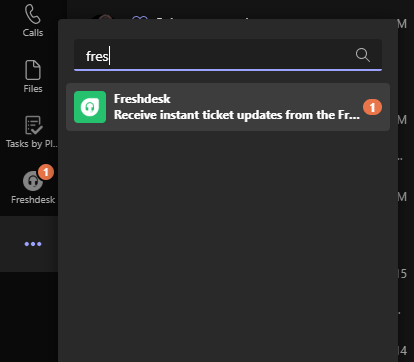
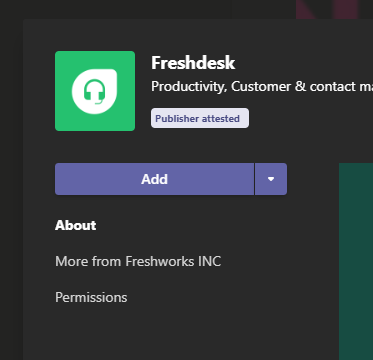
Then click Add:
Step 2: Open Freshdesk and click on your icon in the upper right corner. It’ll be your initials if you haven’t uploaded a profile picture, and of course it’ll be your image if you’ve added one.
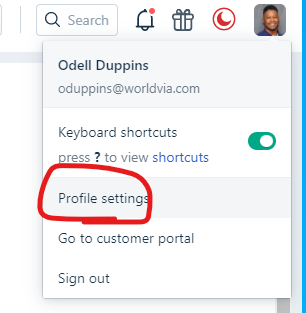
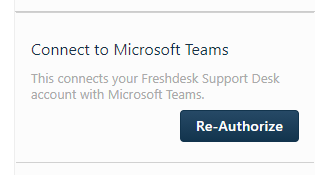
Then click on Profile Settings, and you will see a button similar to this one. Clicking it will take you to the Microsoft login page, and if you’re not signed in already, use your Office 365 credentials and you're all set!
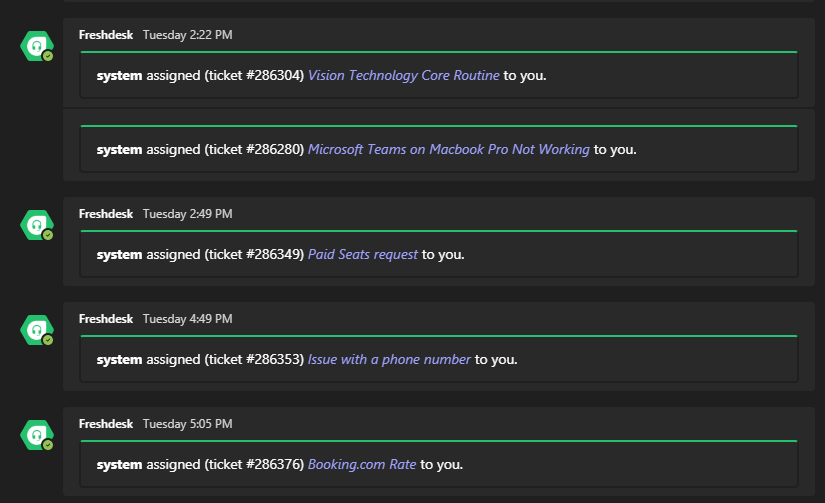
Huzzah! You will now recieve notifications in Teams of new tickets, and ticket updates: