
Log in to your Freshcaller account.
Go to Admin Settings > Agents (Users).
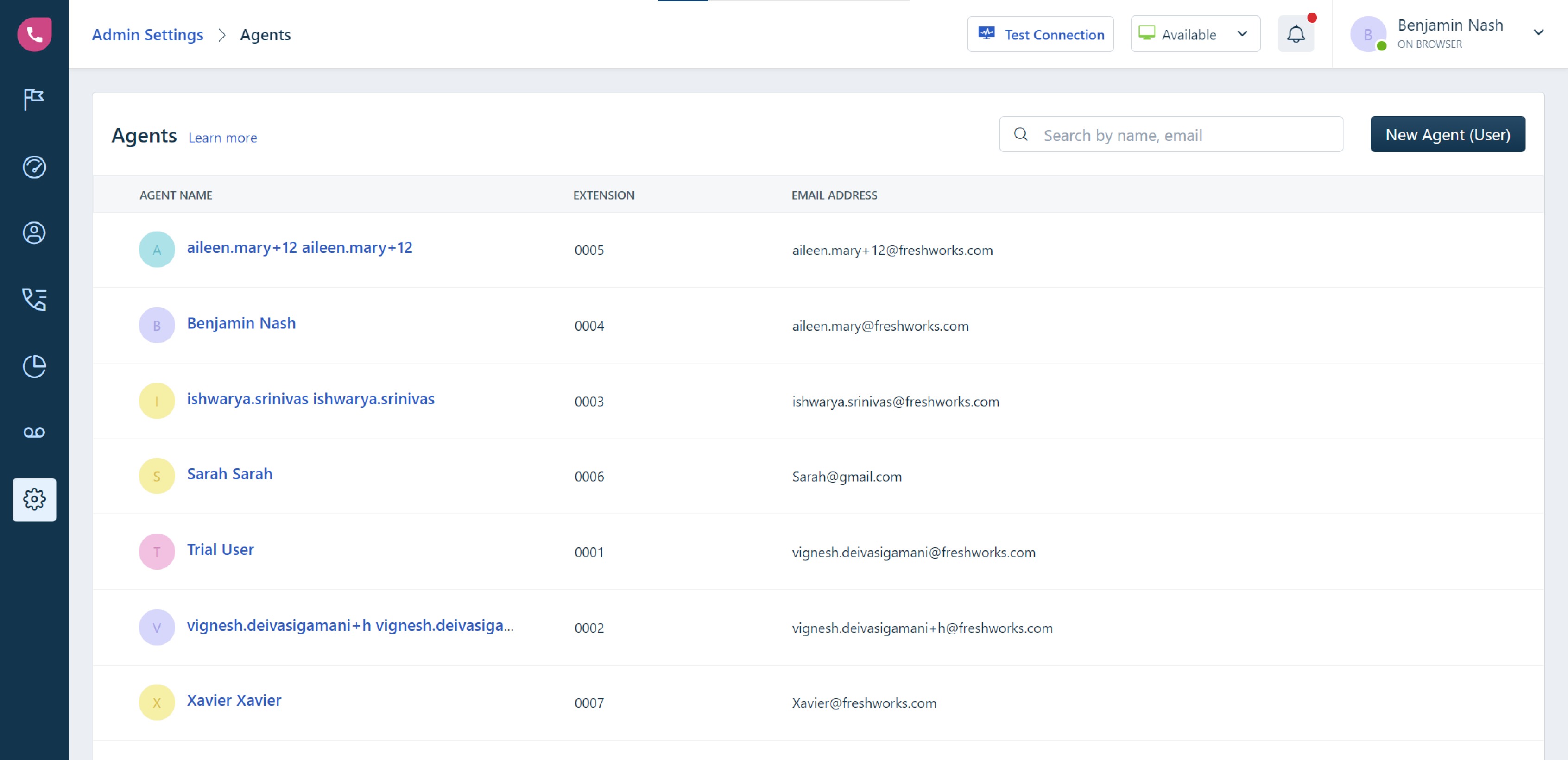
Click New Agent (User).
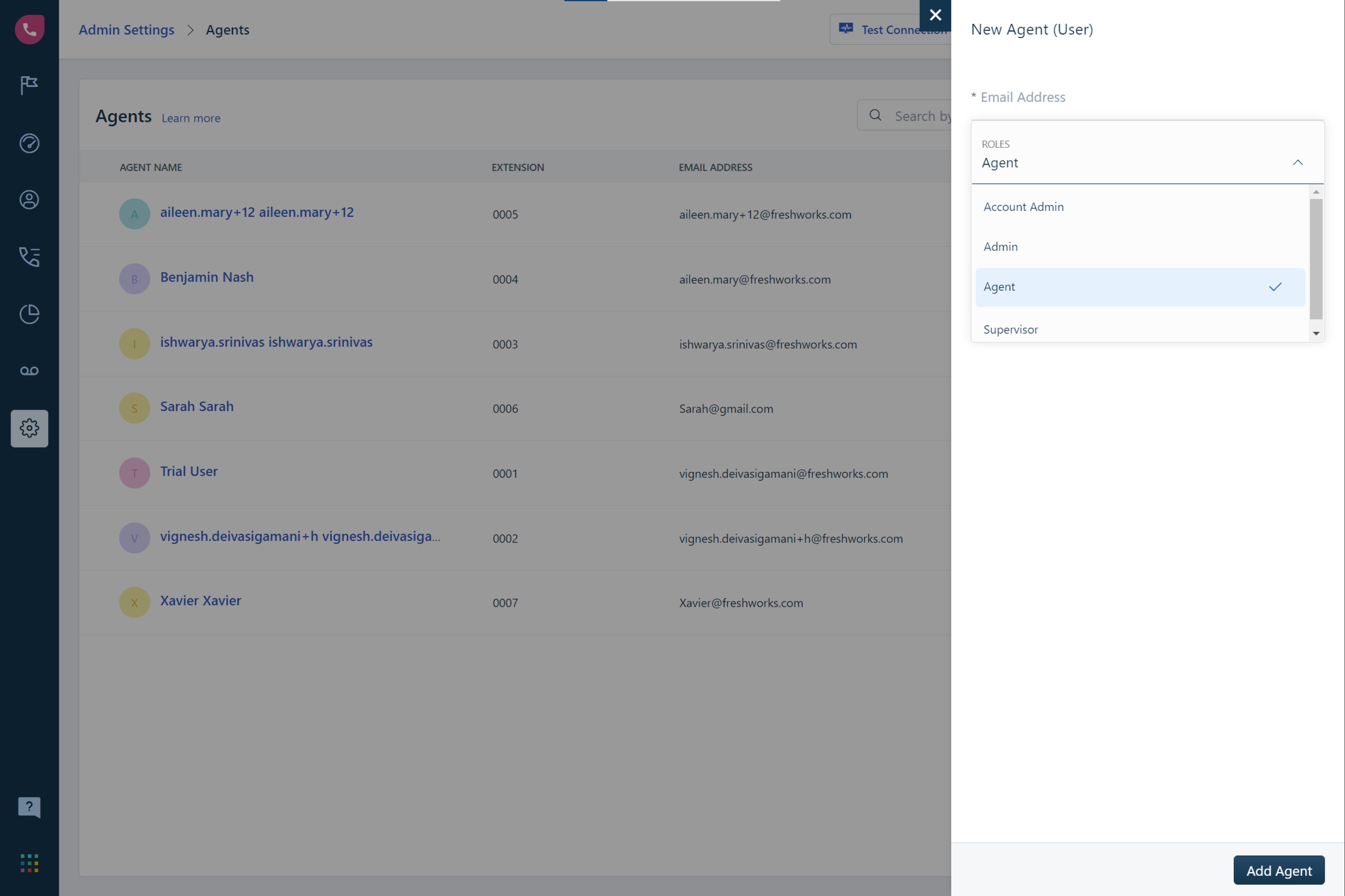
Enter the email address of the user.
Click on the Roles option and select the preferred role:
Agent: Can make/receive calls, access the agent dashboard and call logs, can also access contact information.
Supervisor: Can perform all agent-related activities and access reports but cannot access or change configurations in the Admin tab. Additionally, you can configure data scoping for a supervisor.
Admin: Can configure all features through the Admin tab but is restricted from viewing Account or Billing-related information.
Account Admin: Has complete control over the product including access to the account or billing-related information and receives invoices.
- Click Add Agent.
After you add a user to your account, your users will receive an email to activate their account. Once activated, the users can start using the Freshcaller account using their credentials.