
Our internal travel advisors rely on RedApps inside Sabre 360, we've set up Groups already, so we just need to add any new agents into our existing groups. This will enable the RedApps for them.
- Log into Sabre Red 360.
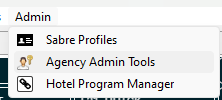
- Navigate to Admin > Agency Admin Tools:
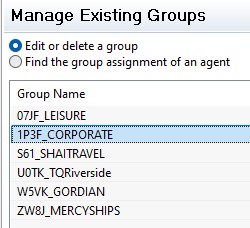
- Manage Groups > Manage Existing Groups, then click Next:

- Choose Corporate, and click Edit:
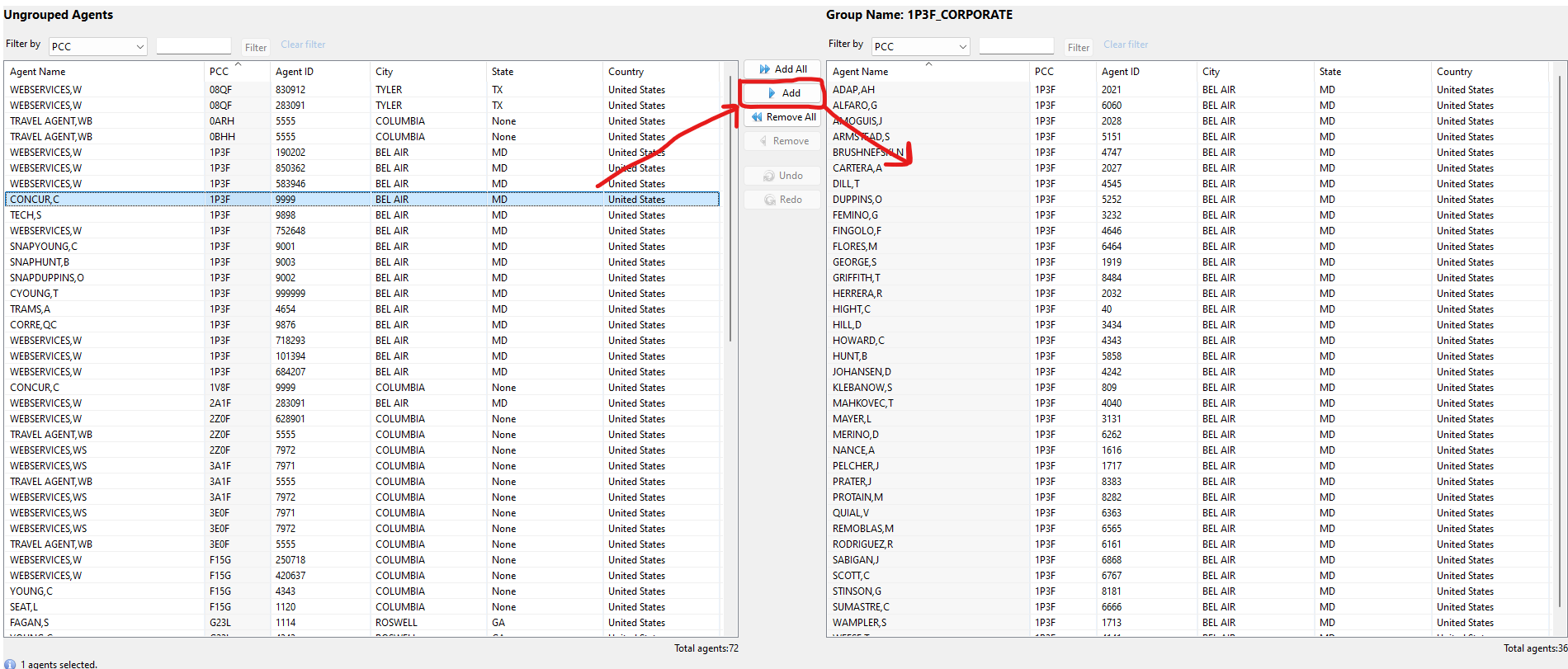
- Locate the new user on the Ungrouped Agents list (left) and move him/her over to the Grouped Agents side (right) using the Add button. I used Concur in this example, but choose the correct agent instead.
- Then click Save.
- Sabre will advise you it'll take a few hours to update the agent's workstation.
- Advise the agent to Check for Updates and restart Sabre to see the RedApps immediately.