At times a manager will ask for access to a team members mailbox. We perform this via Powershell.
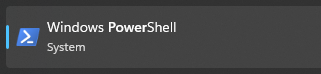
- Open Windows Powershell as administrator.
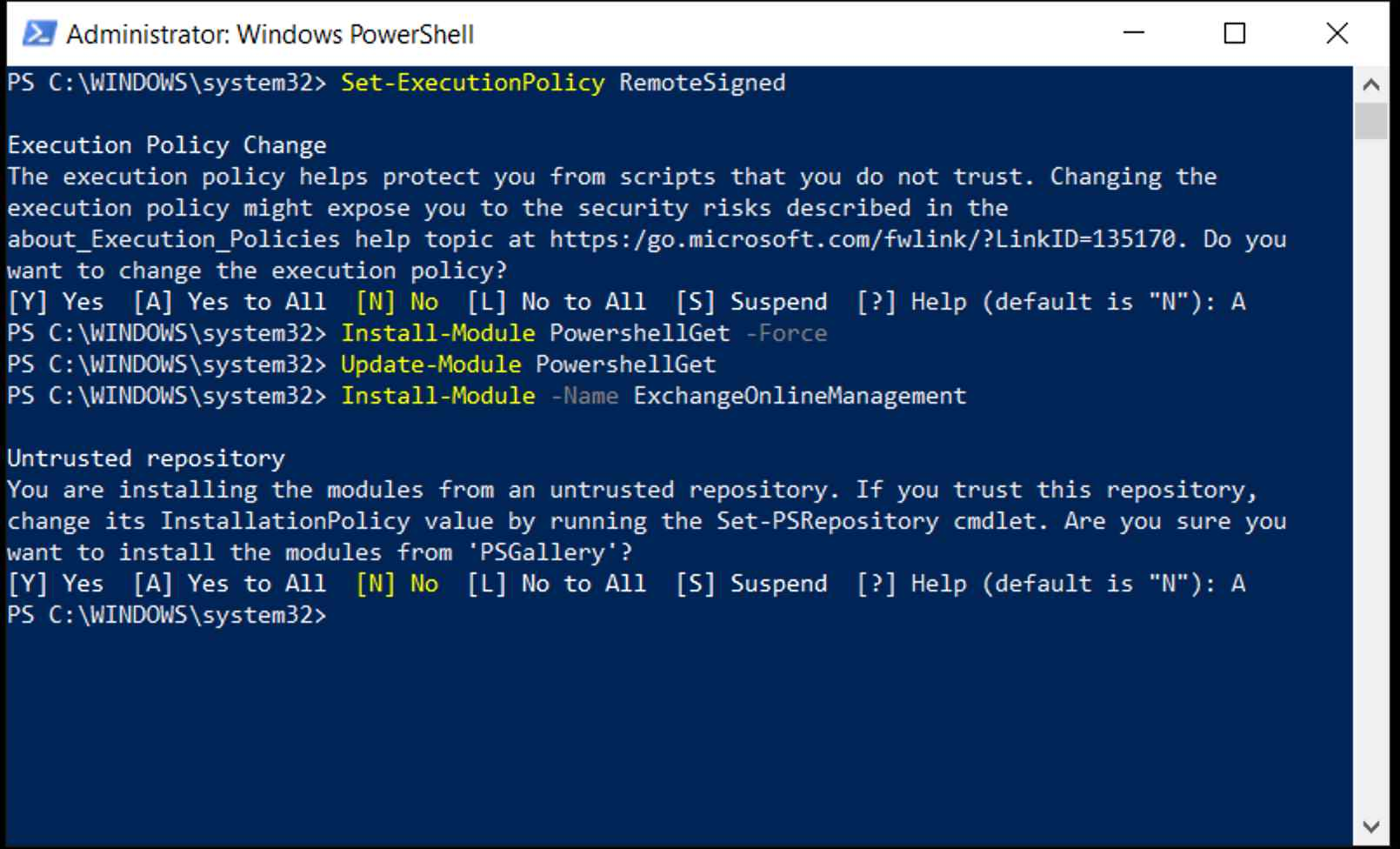
- Issue the following commands (this only needs to be done once):
- Set-ExecutionPolicy RemoteSigned
- Install-Module PowershellGet -Force
- Update-Module PowershellGet
- InstallModule -Name ExchangeOnlineManagement
- Connect to Exchange Online: Connect-ExchangeOnline -UserPrincipalName <yourEmail>

- Issue commands to grant access: Add-MailboxPermission -Identity user@safeharbors.com -User manager@safeharbors.com -AccessRights FullAccess -AutoMapping $false

- Since we're using the -AutoMapping $falseflag, the manager will not see the mailbox in their Outlook application. Instead they will be able to access the shared mailbox using OWA.
- OWA URL: https://outlook.office365.com/mail/
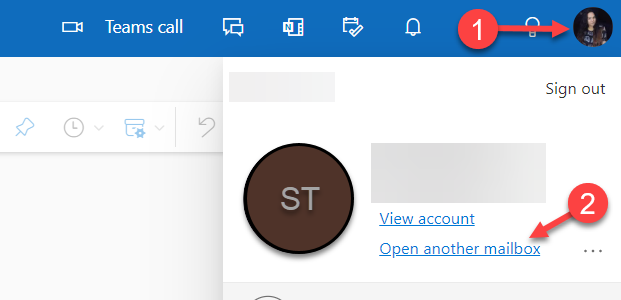
- Click profile image, and select open another mailbox.
- Enter the team members email address.