
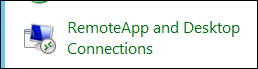
- Open Control Panel > RemoteApp And Desktop Connections
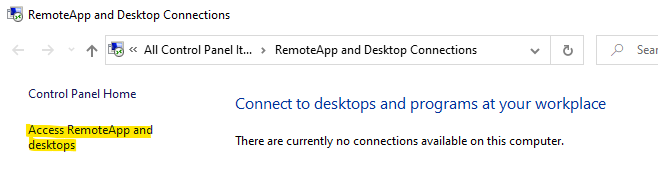
- Click on Access RemoteApp and desktops
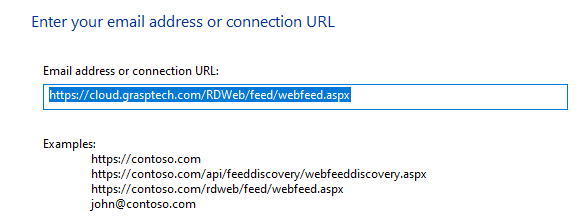
- Enter the connection URL: https://cloud.grasptech.com/RDWeb/feed/webfeed.aspx and click Next
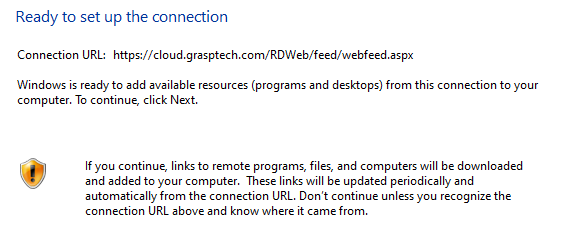
- Click Next (again to confirm)
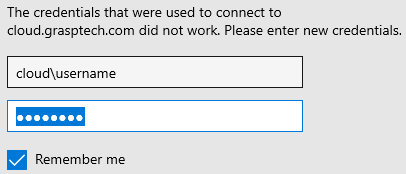
- Enter users GraspCLOUD credentials (be sure to check the “Remember me” box)
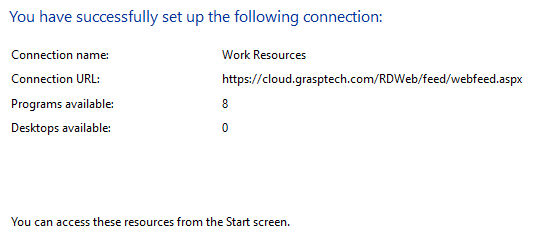
- Verify user has at least one next to “Programs available” and Click Finish
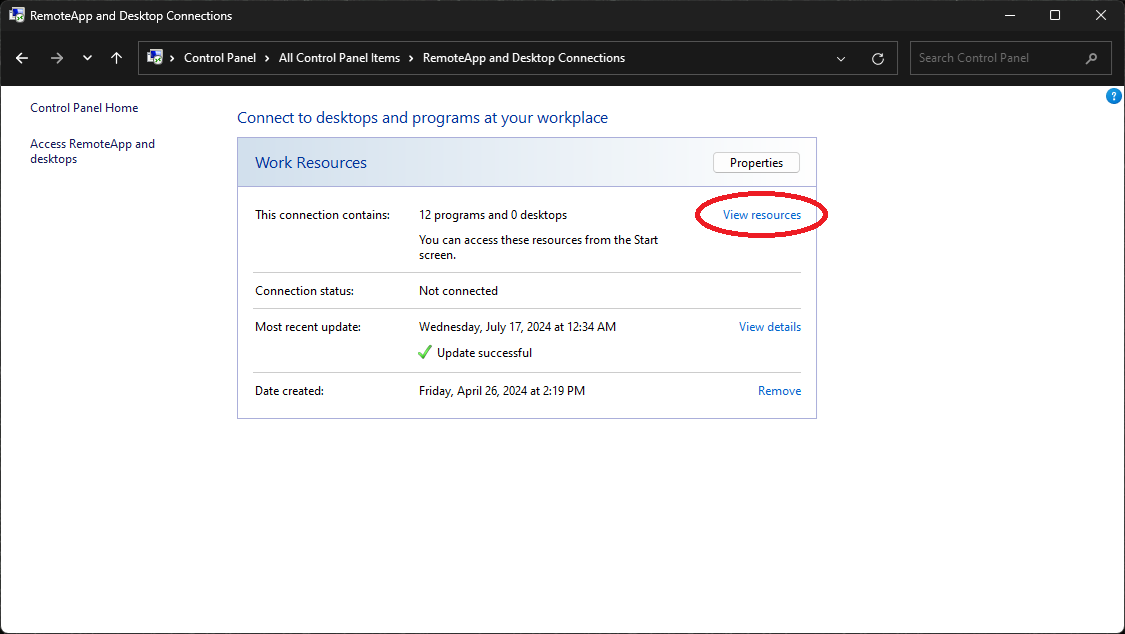
- Click View resources
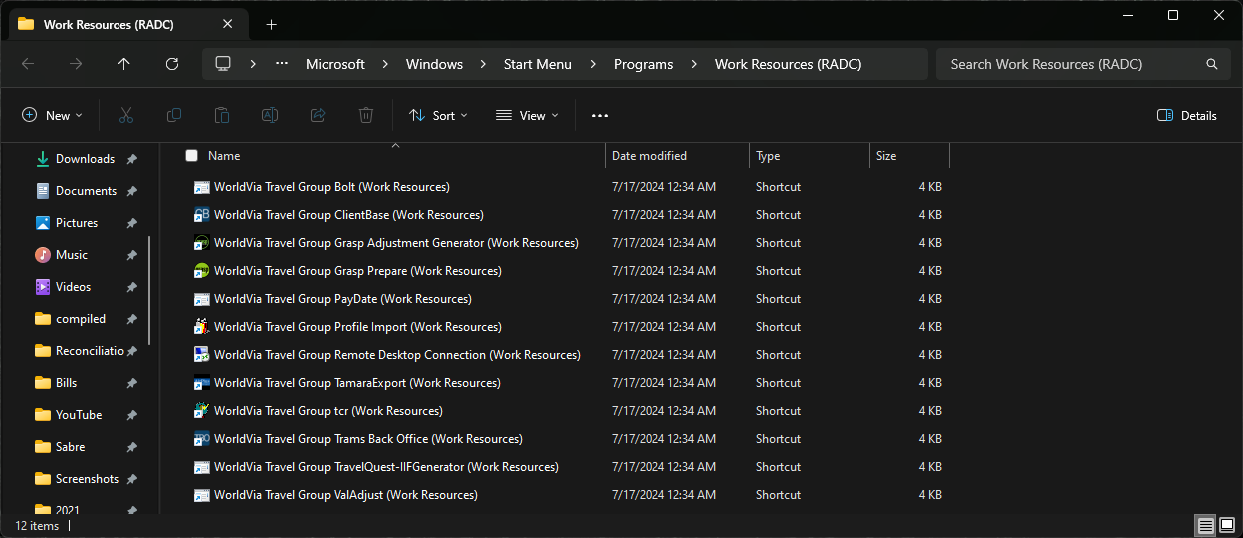
- Copy and paste all shortcuts to users desktop
GraspCLOUD - Connecting to Remote Apps (Windows) Print
Created by: Odell Duppins
Modified on: Wed, Jul 17, 2024 at 4:54 PM
Did you find it helpful? Yes No
Send feedbackSorry we couldn't be helpful. Help us improve this article with your feedback.